Classes & Lectures
Campus does its best to make sure you can’t miss class. It knows your schedule, it knows where the building is, and it will walk you there. Part of the Campus Guide.
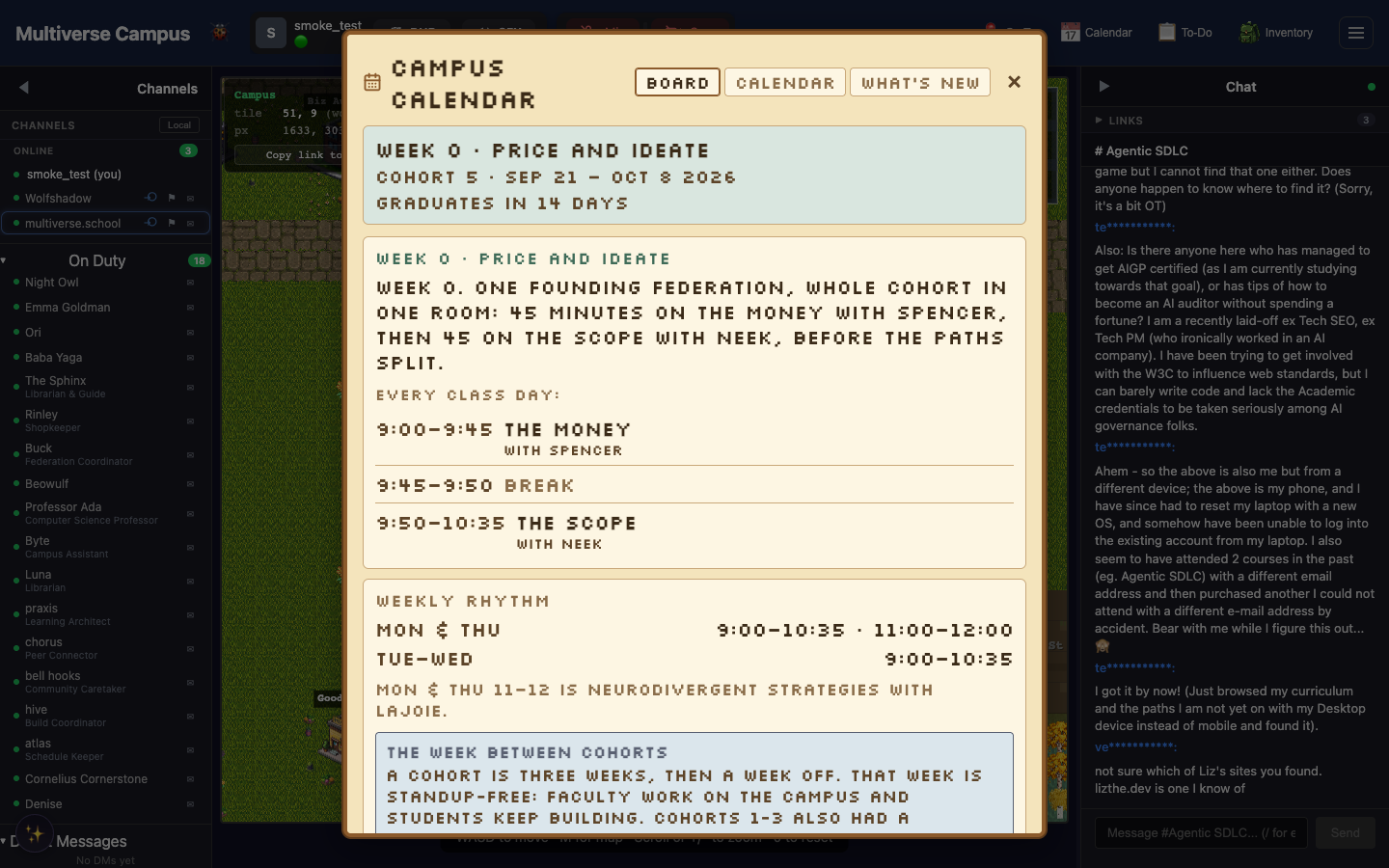
Finding and Attending Classes
Talk to any class-advising resident to find upcoming classes, check if one fits your schedule, and enroll. You can also browse at themultiverse.school/classes.
Getting to Class
When your class is about to start, the Smart Go button in the header shows “Go to Class” — click it and you auto-walk to the right building. If you log in around class time, Campus automatically places you in the classroom. You almost can’t miss it.
Live Lectures
When a teacher starts a lecture: live video broadcast, live captions (real-time transcription), and a raise hand button to ask questions. The campus documentation describes AI-generated notes and slides that extract key ideas as the lecture progresses. Movement may be locked during lectures — you’ll see a banner.
After Class
Recordings are saved automatically. AI-generated notes and Q&A may be available to review depending on the lecture setup. Check Calendar → Recordings.
Tip: If you’re ever unsure where to be, ask The Departure Board. They speak in departure announcements and always know the schedule.
Trivia
- Smart Go is context-aware — it appears in the header when there’s an active class, lecture, or Zeppelin boarding. It shows “Go to Class” near class time and “Board Zeppelin” during events. When nothing is active, Smart Go is hidden.
- If you log in within a few minutes of your class starting, Campus places you directly in the classroom. No walking required.
- Recordings appear under Calendar → Recordings after class ends. Handy for sessions you attended but want to revisit.
See Also
- Video Chat — proximity calls outside of class
- Quests & Progression — quests that involve attending classes
- Faculty & Residents — The Departure Board knows every schedule