Quests & Progression
If a resident has a glowing gold ! above their head, they have something for you. It might send you across campus. It might teach you something you didn’t expect. Part of the Campus Guide.
The specifics may evolve as features are developed and refined.
Finding Quests
Look for residents with a glowing gold ! above their head — the universal sign that they have something for you. Walk up and press E to talk, and they’ll offer you a quest.
Quest Types
| Objective | What you do |
|---|---|
| Visit | Travel to a specific building |
| Talk | Speak with a specific resident |
| Collect | Gather items around campus |
| Interact | Perform a specific interaction |
| Attend | Show up to a lecture or event |
| Exercise | Complete a coding exercise |
The Quest Log
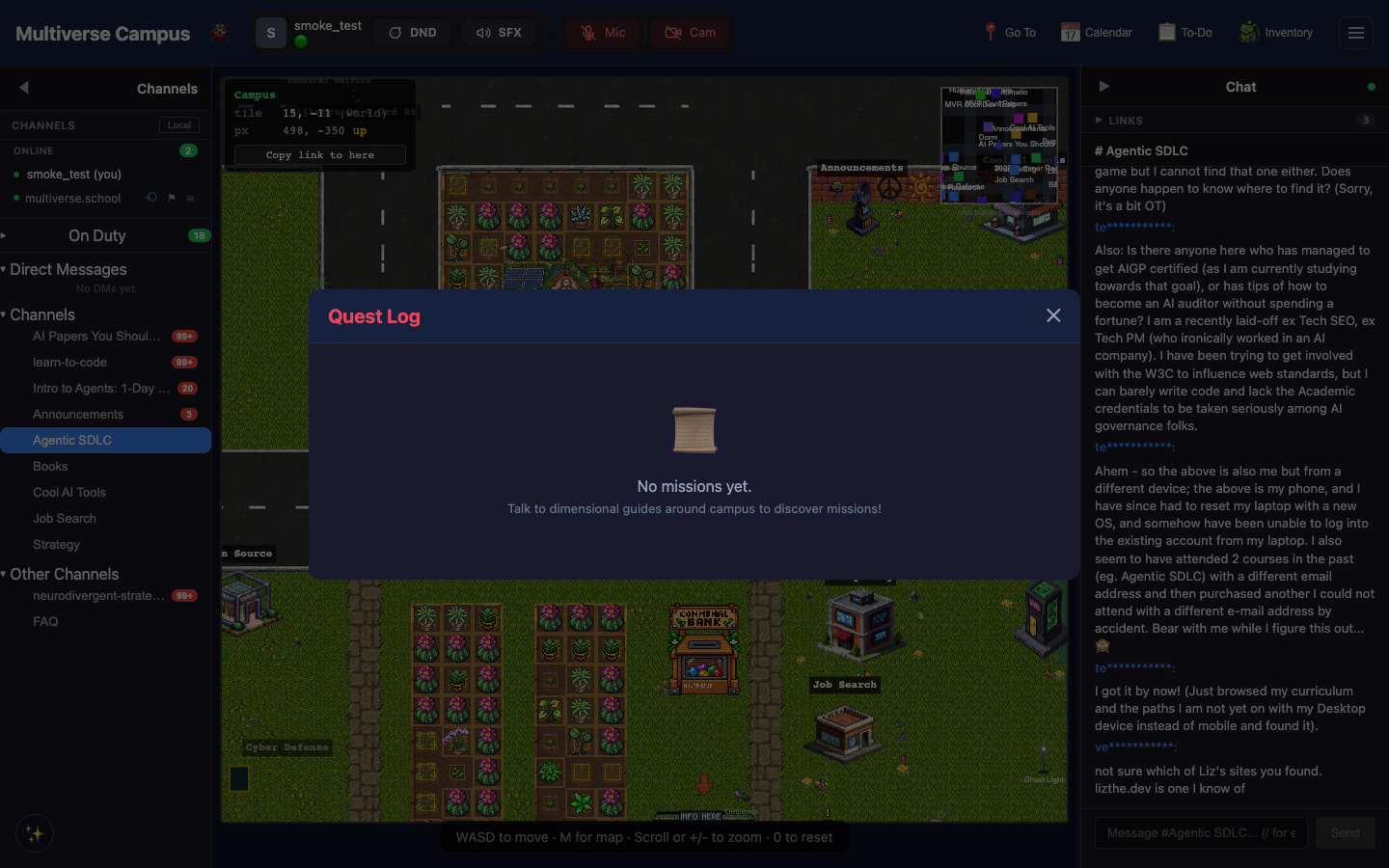
Open via the hamburger menu → To-Do → My Quests. Shows active and completed quests with progress bars. When all objectives are done, return to the resident who gave you the quest to turn it in and collect rewards — points, badges, unlocks, or items.
The Bounty Board
Where: hamburger menu → To-Do → Bounty Board
Real-world tasks posted by other students or by Buck. Complete a bounty, submit evidence, earn gem rewards. You can post your own bounties too — gems are escrowed from your balance until the work is done.
Reflections
Visit the Bubble Wand sculpture in the garden and interact with it to record a short reflection on what you’ve learned. Takes 30 seconds. It’s a small thing that adds up — students who reflect regularly report noticing their own growth in ways they otherwise wouldn’t.
Tip: The Bounty Board is a real economy — gems are escrowed from the poster’s balance and released when the work is verified. If you see a bounty that matches your skills, it’s a genuine offer.
Trivia
- Buck, the cyberpunk warthog career coach, posts real career bounties — resume reviews, interview prep, portfolio feedback. He calls them “ops.”
- The gold ! above a quest-giver’s head is the universal RPG convention. The campus developers chose it precisely because everyone already knows what it means.
- Some quests chain — completing one unlocks the next from a different resident. Following a chain across campus is one of the better ways to meet everyone.
See Also
- Faculty & Residents — who gives quests and what they’re like
- Economy — gems and what they’re for
- Games & Activities — other things to do