Avatar & Identity
You are a small pixel person in a large pixel world. How you look, how you move, and whether anyone can find you are all up to you. Part of the Campus Guide.
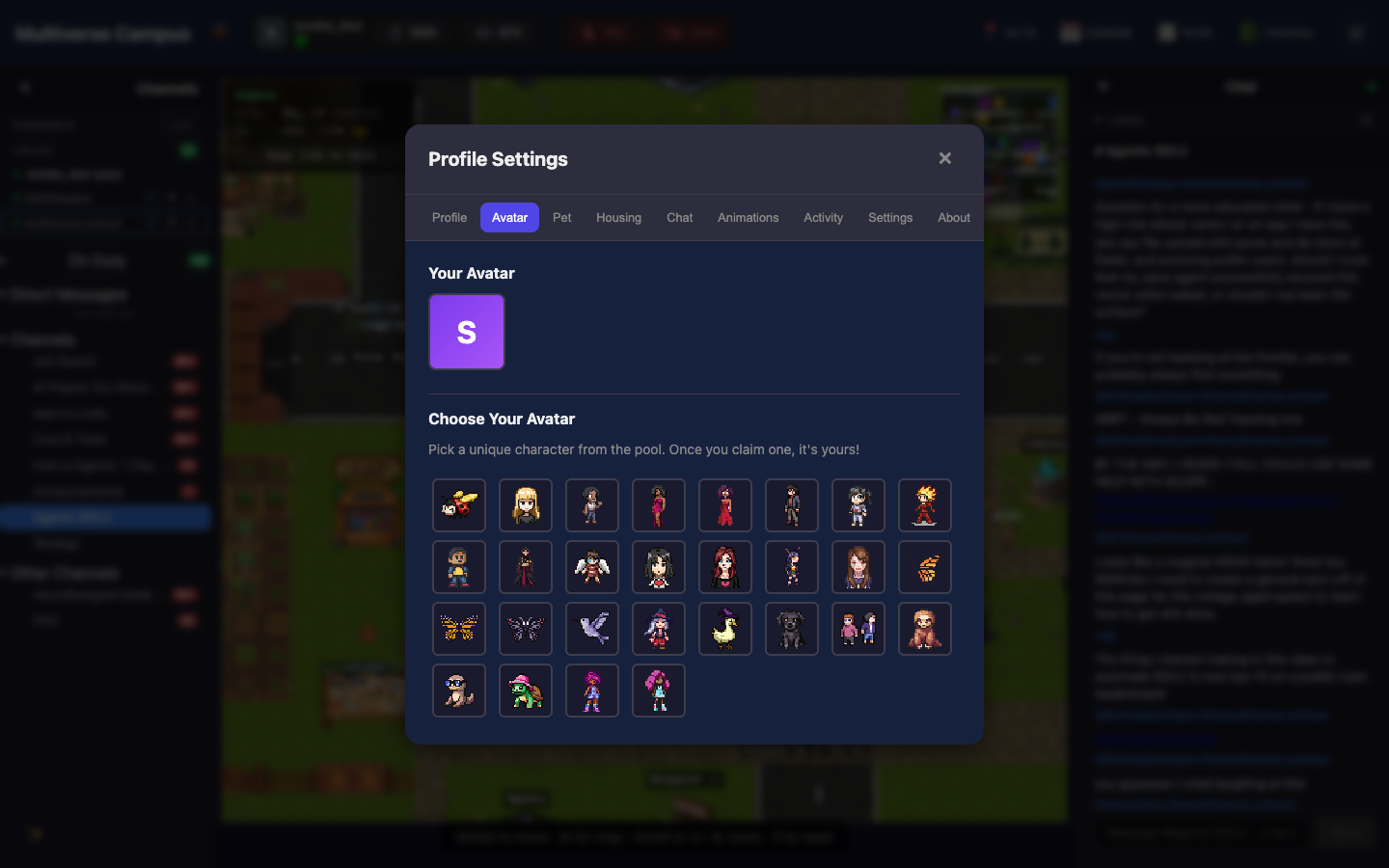
Customizing Your Look
Open Profile Settings → Avatar tab. Three options:
- Preset Options — hair styles/colors, skin tones, clothing, accessories. Free for everyone.
- Avatar Pool — browse a gallery of ready-made pixel-art characters. Free for everyone. Claiming one releases your old avatar back into the pool for someone else.
- AI Generation — write a text description (e.g. “a friendly wizard with purple robes and silver hair”) and Campus generates a custom 4-direction pixel-art sprite. Requires membership. (Feature availability may vary.)
Emotes
Short animations that play on your avatar — waves, dances, laughs, and more.
- Slash commands — type
/in chat to open the emote picker by category (dances, reactions, actions, signatures). This is the primary way to emote. - Chat reactions — reacting to a message with 👍 ❤️ 😂 😮 😢 🔥 also plays a matching animation on your avatar.
15 free emotes and 10 premium emotes are available (dab, moonwalk, breakdance, backflip, and others). The moonwalk is reportedly worth it.
Your Profile
Profile Settings → Profile tab. Fill in what you want visible to others: display name, pronouns, timezone, LinkedIn, GitHub, personal website, resume, social links, “What I’m Building” (free text about current projects), and meeting booking URL.
Presence Status
Click the status dot in the header:
| Status | What it does |
|---|---|
| 🟢 Available | Camera auto-activates in proximity calls |
| 🟡 AFK | Camera stays off, you still get a ping |
| 🟣 Focus | Camera off, silent, headphones icon above your head |
If you’re idle for 10 minutes (or switch tabs), Campus automatically enables do-not-disturb until you come back.
Social Battery
Profile Settings → Settings tab. Choose how proximity calls affect your energy:
| Mode | Effect |
|---|---|
| Neutral | No effect |
| Extrovert | Energy charges while in calls |
| Introvert | Energy drains while in calls |
| Extreme Introvert | You become fully invisible to other players |
Others see a color-coded battery bar above your head (green/yellow/red). People respect the battery. If yours is red, they’ll wave and keep walking. Extreme Introvert hides you entirely — for days when you need to be on campus but left completely alone.
Tip: Extreme Introvert mode is genuinely invisible. Other students can’t see you, can’t walk into your call radius, can’t tell you’re online. Use it without guilt.
Trivia
- The Avatar Pool is communal — claiming one releases your old avatar back for someone else. Some students change avatars weekly. Others have kept the same one since day one.
- The social battery system was designed specifically for neurodivergent students. The school’s pedagogy is neurodivergent-affirming; the battery makes that philosophy tangible.
- Chat reactions (👍 ❤️ 😂 😮 😢 🔥) play matching animations on your avatar. Reacting with 🔥 reportedly produces a brief flame effect.
See Also
- Navigation — moving around campus
- Video Chat — proximity calls and your camera
- Faculty & Residents — the people you’ll meet