Housing & Your Space
Everyone needs a place to come back to. Your desk is that place — a small corner of campus that’s entirely yours. Part of the Campus Guide.
The campus documentation describes a housing system with dorm desks, houses, and gardens. These features may be in various stages of development.
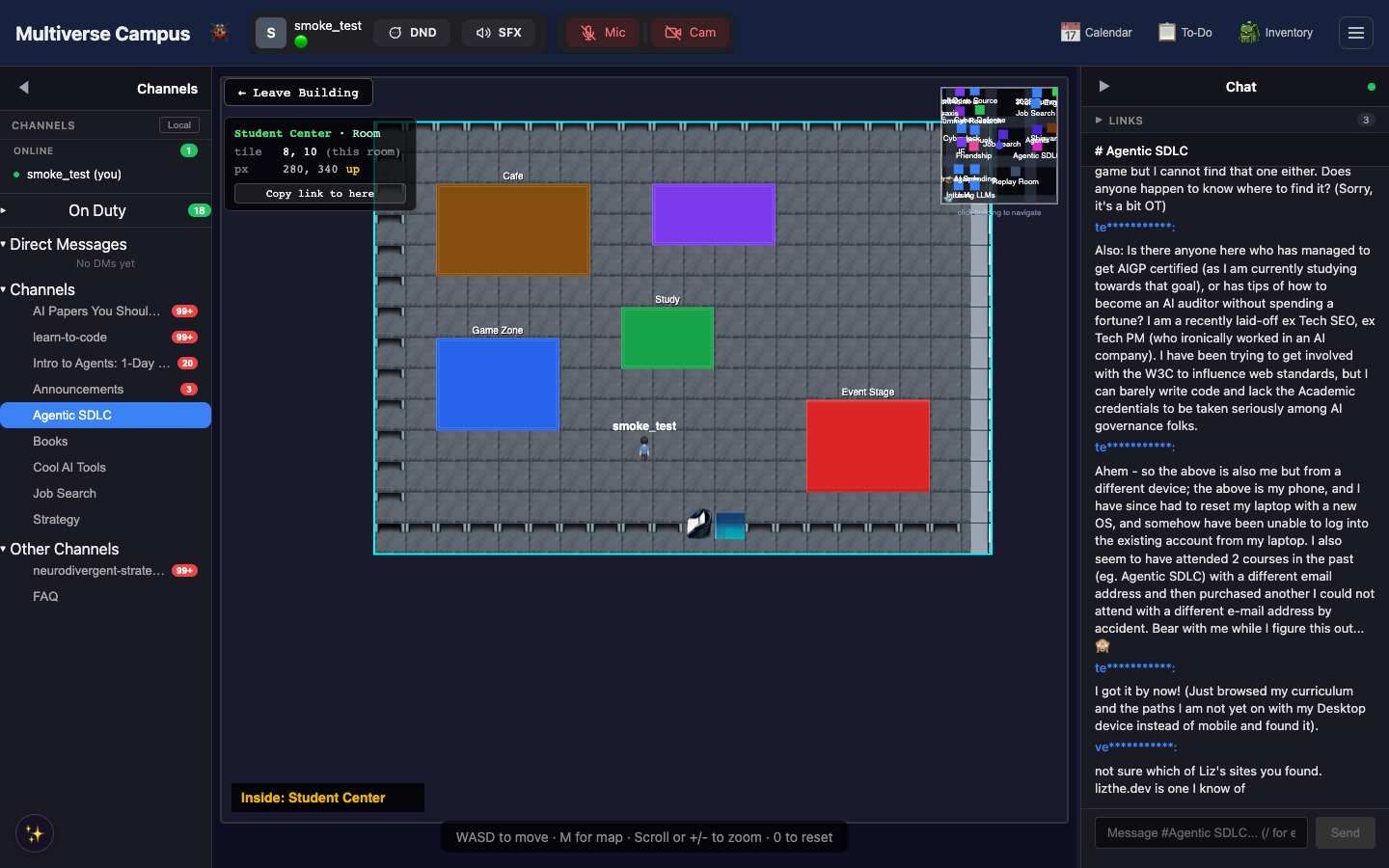
Dorm Desk
Your home base on campus. Press H inside your dorm to open the furniture toolbar — place items, move them, rotate them. Get to your desk anytime via Go To → My Desk in the header.
Tip: Your desk is the fastest way to orient yourself. Lost? Overwhelmed? Go To → My Desk. It’s always there.
Houses & Housing Zones
The manual describes houses, housing zones, project gardens, and community halls managed by Cornelius Cornerstone (the eccentric campus architect).
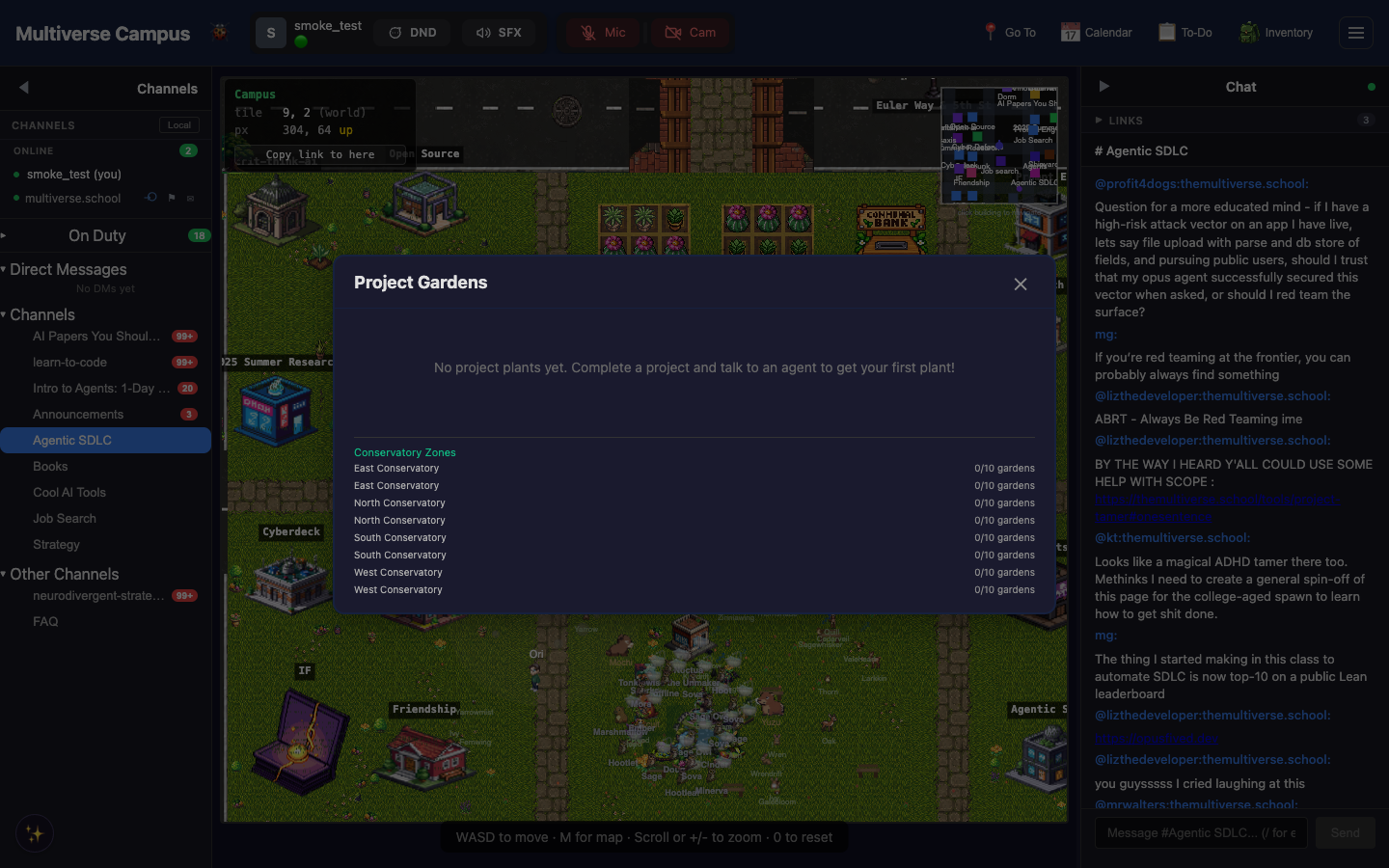
Note: Project Gardens currently shows each zone listed twice — a known display quirk.
Plants
Grow plants in your project garden. They need regular attention — residents will nudge you if a plant is wilting. There’s something satisfying about checking on your garden between coding sessions.
Aquarium
Decorate with fish you’ve caught through research fishing. Yes, the fishing is for academic papers, but you also get decorative fish for the tank.
Trivia
- The aquarium accepts fish caught via research fishing. Yes, you fish for academic papers AND get decorative fish. Both are real.
- Some students have spent more time decorating their desk than coding. This is considered a valid use of campus.
- Plants wilt if neglected. Residents may gently nudge you about this — they notice.
See Also
- Economy — gems for housing upgrades
- Creatures & Companions — living things in your space
- Navigation — finding your dorm